How to switch fiber operators without complications
How to switch fiber operators without complications
Switching fiber operators is much easier than people think. In this article we explain how to switch operators from Movistar, Orange, Vodafone or any other to a cheaper one, keeping your landline and without losing Internet.
Why should you switch operators?
Three main reasons:
- Savings. Movistar and Vodafone are usually the most expensive operators. Switching to a local operator like Bivid can save you between 200 and 400 € per year.
- Customer service. If you're tired of call centers and long waits, a local operator offers you human attention.
- Flexibility. If your current operator has lock-in, each year ties you down more. Switching to one without lock-in gives you back your freedom.
Step by step: how to switch operators
Step 1: Review your current contract
Check if you have lock-in and how much is left. If 2 months remain and the penalty is 50 €, it probably makes sense to wait. If 9 months remain and there’s a 200 € penalty with savings of 25 €/month, it may still be worth it.
Step 2: Choose your new operator
Compare prices, speeds, lock-in and customer service. At Bivid we have:
- Fiber 100 Mb from 25 €/month.
- Fiber 600 Mb at 32 €/month.
- Fiber 1 Gb at 35 €/month.
- All without lock-in.
Step 3: Contract with the new operator
You give them your details and your current operator. They themselves make the portability request. You don't need to call your current operator to cancel.
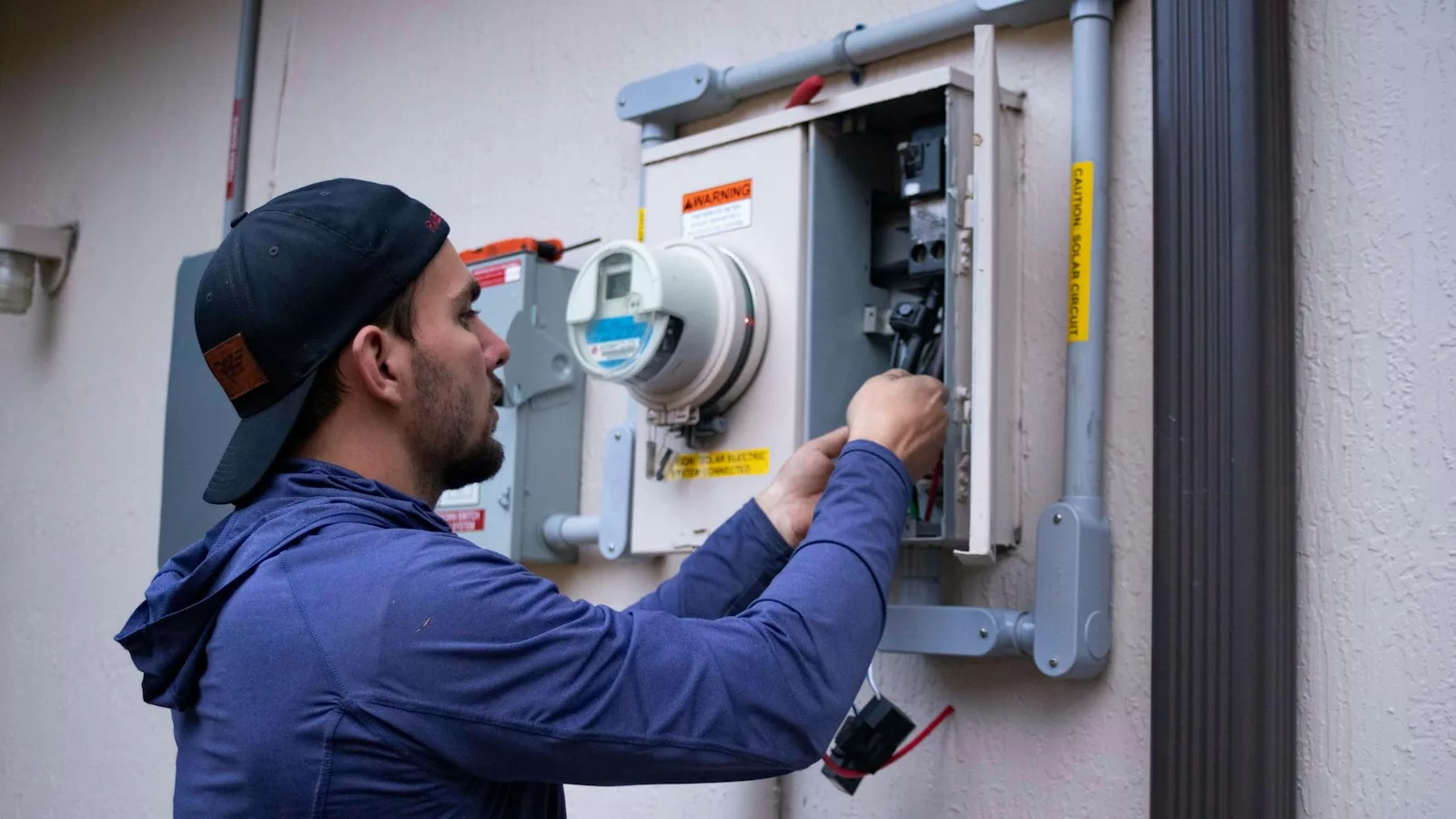
Step 4: New fiber installation
Within 3-7 business days the new operator installs the fiber. Often the ONT (fiber equipment) is already in your home, you just need to reconfigure or change it.
Step 5: Switchover
When the new fiber works, the old operator stops providing service. There may be a cut of 30 minutes to 2 hours on the day of the change.
Step 6: Return the old operator's equipment
Large operators send you instructions to return the router and ONT. Follow them or they'll charge you for the equipment (normally 50-150 €).
Common mistakes to avoid
1. Cancelling before installing the new
Never. This leaves you without Internet for weeks. Let the new operator handle everything.
2. Don't return the equipment
If you don't return the ONT and router from your old operator, you'll be charged for them.
3. Don't calculate the lock-in period
If you break your lock-in period, ask the new operator if they'll offer to waive the penalty.
4. Don't verify coverage of the new fiber
Before switching, make sure there's coverage from the new operator at your address. With Bivid you can check it with your postal code.
Switch from Movistar to Bivid
Recommended specific process:
- Check Bivid coverage in your postal code.
- Sign up for Bivid with fixed + mobile portability.
- Bivid installs fiber in 3-7 days (can be the same day if your building already has fiber deployed).
- On switchover day, Movistar stops providing service.
- You return the Movistar equipment (the ONT and Mitrastar router) following the instructions they give you.
Typical savings: €30/month compared to Movistar Fusión 600 Mb. More than 350 €/year.
Frequently asked questions
I have a lock-in period, what do I do?
Calculate the penalty vs. your monthly savings. If you recover the penalty in 3-4 months with savings, it's worth switching.
Will I lose my fixed line?
No. Fixed line portability is free. Your same number transfers to the new operator.
Will I lose @movistar.es emails or similar?
Yes. These accounts depend on the operator. Migrate your email beforehand (we recommend Gmail or Outlook, both free).
Will I be left without Internet on the day of the switch?
A maximum of 2 hours during switchover. Modern operators make the change during overnight hours to minimize inconvenience.
Switch to Bivid today
Call 973 07 07 07 (Spain), WhatsApp 656 844 192 or visit any store. Free portability, installation in 3-7 days, no lock-in period.