WiFi 6 mesh · TP-Link HX520
Having 600 megas is useless if it's going to stutter in the kitchen. Prime Wifi spreads the signal throughout the house with several units that make a single network, and we install it for you.
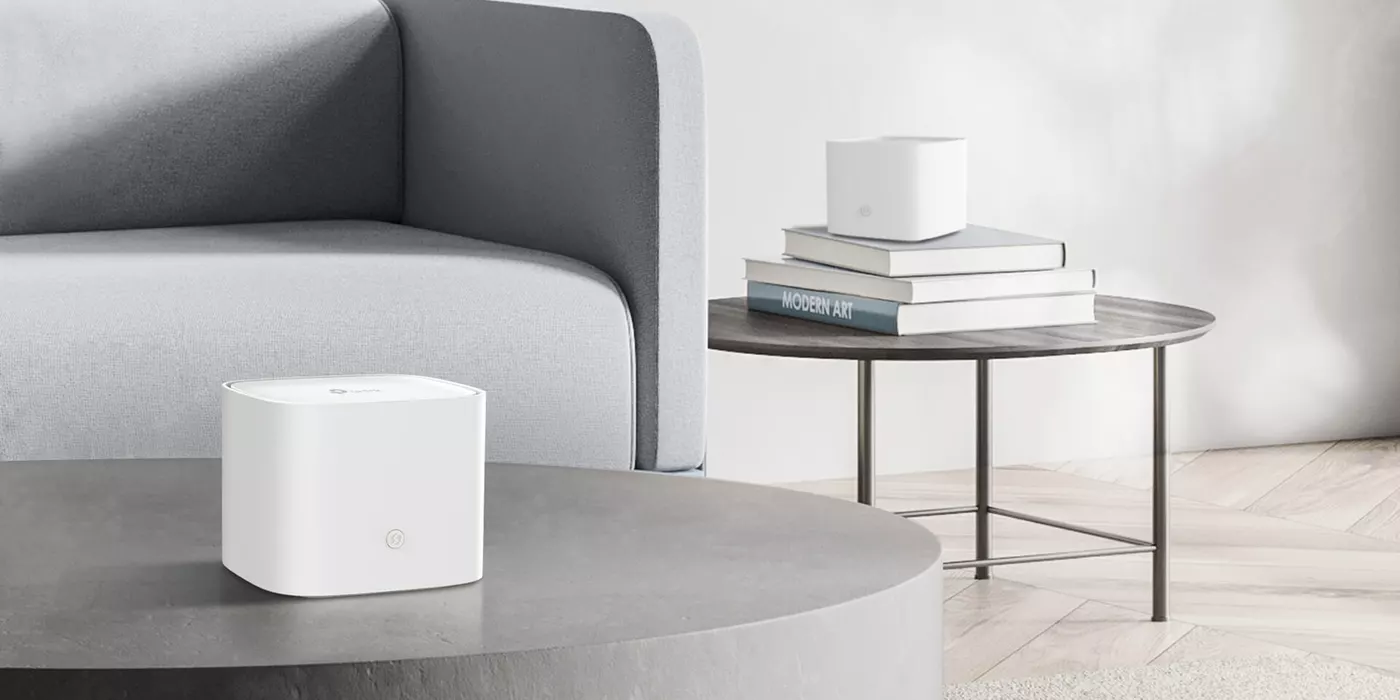
Almost everyone has tried that thirty-euro gadget before. That's why it's worth explaining how they're alike and how they're not.
The one on the shelf, the one you bought that time
Several units that coordinate with each other
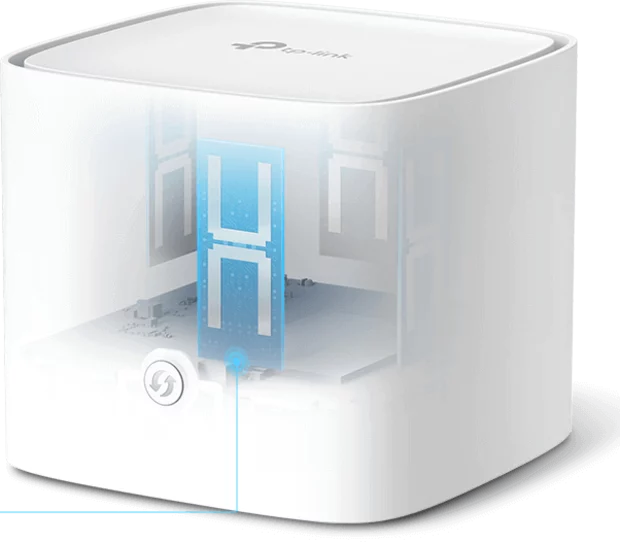
It's not "an extender": it's a TP-Link HX520, from the range the manufacturer makes for operators. This is its datasheet, no frills.
You handle the day-to-day from your mobile. We handle the boring stuff without bothering you.
The Aginet app, on your mobile, no need to call anyone.
This is what you can't do with a device bought on the internet.
Remote management is of the equipment, not your browsing. We see how the network is —links, channels, firmware— not what you do with it. It's the same management the manufacturer gives operators to be able to provide support.
A stone wall gets in the way more than twenty meters of hallway. This is the reference; the technician will confirm it in your home.
Single-storey flat, straightforward layout and standard walls.
Two storeys, L-shaped house, or stone and solid brick walls. This is the most common.
Large house with attic or basement, or if you want coverage to reach the patio or garage too.
Start with one and add if needed. You don't have to get it right first time: you put one in, test it for a few days and, if there's a weak spot, you add another unit for 4 € more a month. You don't have to change or reconfigure anything that's already set up.
No, and that's the difference you'll notice most. A repeater creates a second network with a different name, you have to switch manually and you normally lose half the speed because it repeats what it hears. Mesh is several units that form a single network: your phone switches from one to another on its own, in less than three tenths of a second, and you won't even notice.
It depends on the house, not the square metres. A normal single-storey flat usually works with one. Two storeys, an L-shaped house or stone walls call for two. If there's an attic or basement, three. We'll look at it with you and, if you need another one later, you add it: it's one euro more a month per unit and you don't have to change anything that's already there.
Both are possible. The HX520 works as a router (replaces the one you have) or as an access point (connects to the one you already have). The technician decides based on how your installation is set up, and either way your network ends up with a single name.
We'll replace it. As long as you're a customer, the equipment is our responsibility: you're not buying a device that stops being supported in three years, you have it in service.
No. Remote management is of the equipment, not your traffic: it's used to see if a unit has lost its link, what channel it's broadcasting on or if there's interference from your neighbour, and to update its firmware. We can't see what you browse.
Yes, you can do it yourself from the app. Parental control blocks content and sets schedules by device, and the guest network is a separate WiFi with its own password, so visitors don't get into yours.
Tell us what your house is like and which room the signal drops in, and we'll tell you how many units you need. If one is enough, we'll tell you one is enough.